

Itinerary & travel management made easy
Simplify & automate your travel business with TripCreator. Designed for professional travel businesses like Travel Agencies, MICEs & DMCs, reducing unmanageable, manual work to enhance efficiency for you and your team.
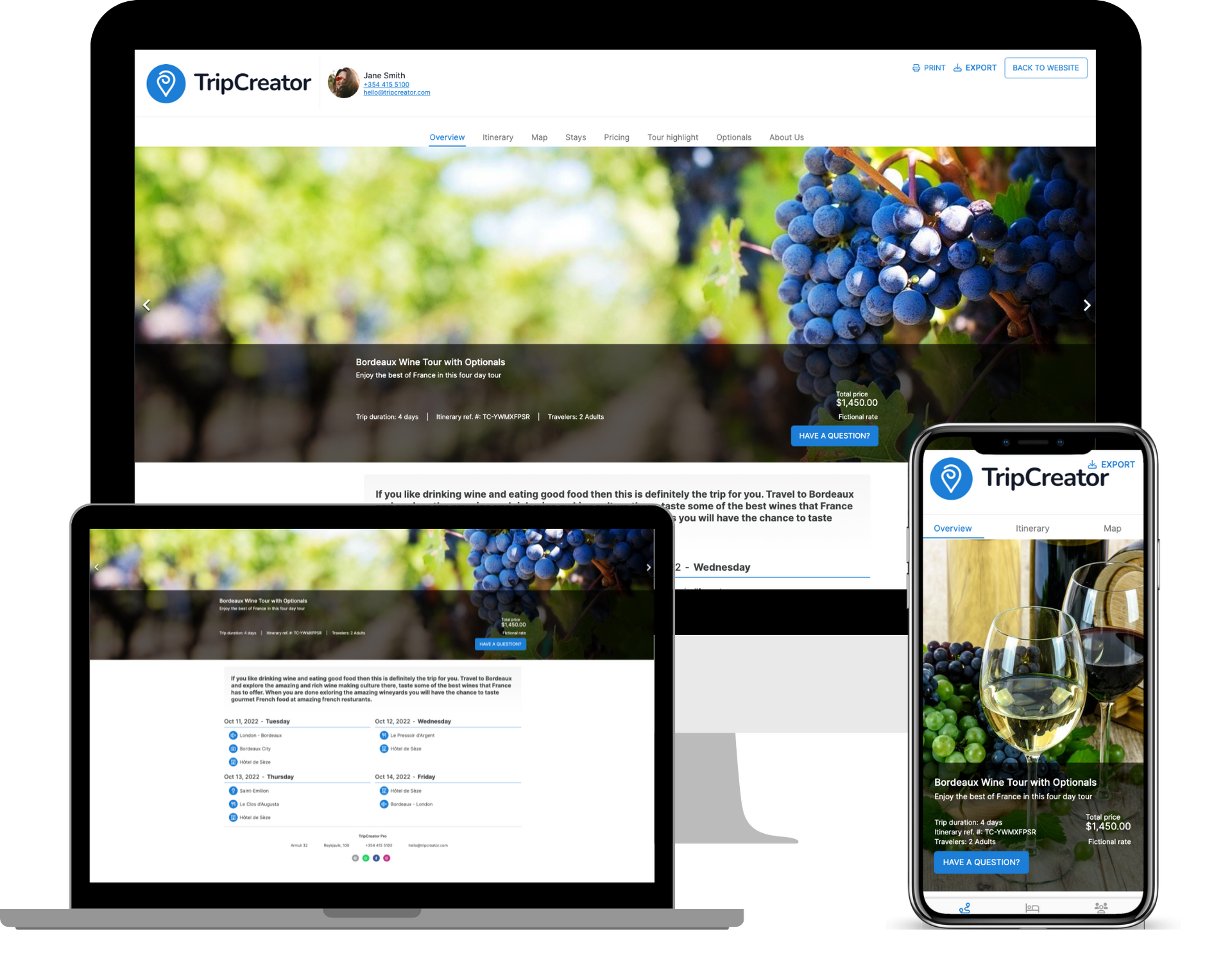
Plan Better. Faster. Smarter.
Watch the Explainer Video.
Designed for travel agents who want to save time and elevate their services.
Are you optimizing your workflow in 2026?
Extreme Time Saver
Reduce repetitive work with easy re-use of itineraries, prebuilt libraries with destination info, images and much more.
Increase Your Sales
Create high-converting proposal & itinerary pages and see who engages with your content.
No Limits or Hidden Fees
Create unlimited itineraries and stop whenever you want. Monthly or yearly payment is up to you.
Professional Appearance
Create a professional impression with endless appearance and white-label options.
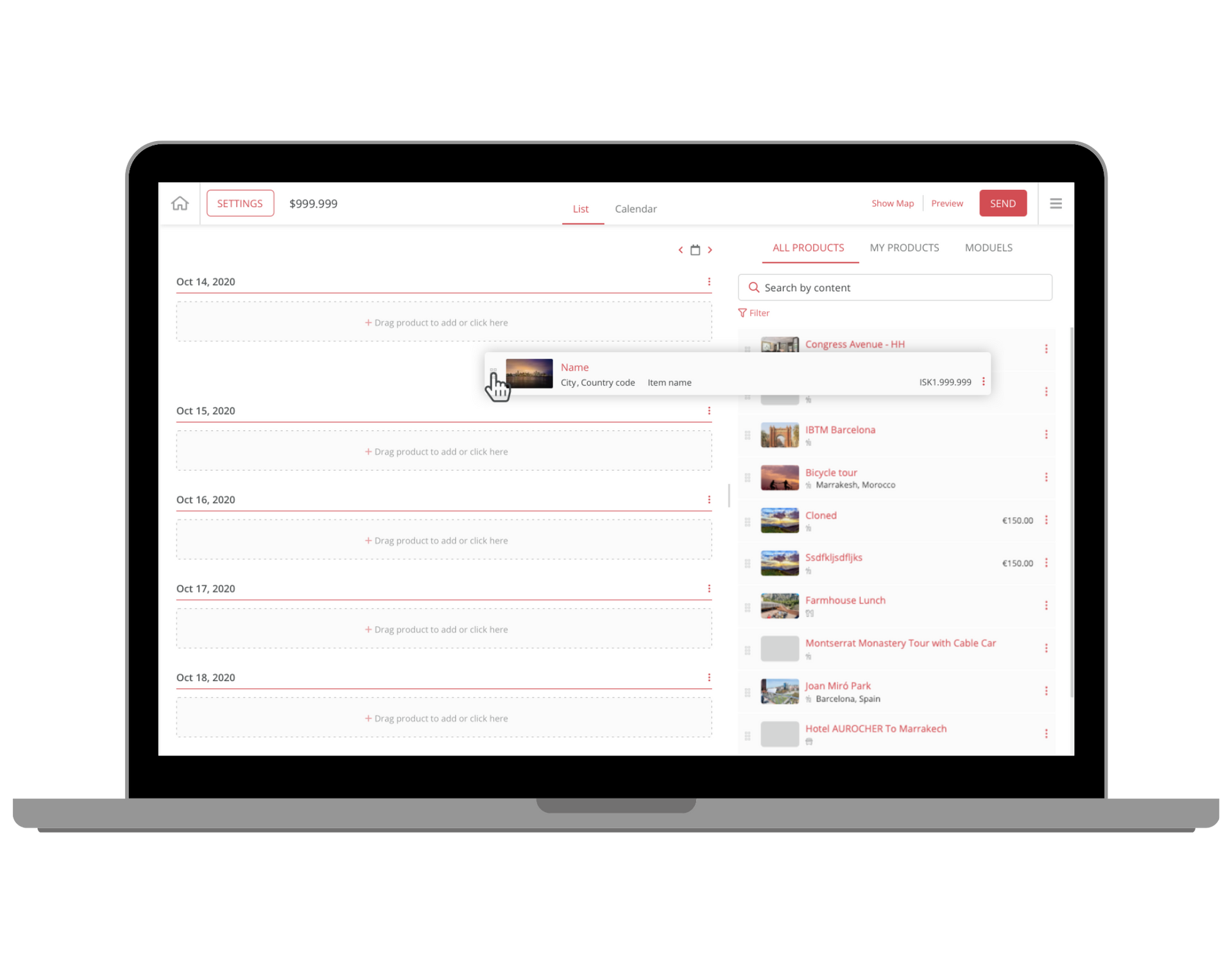
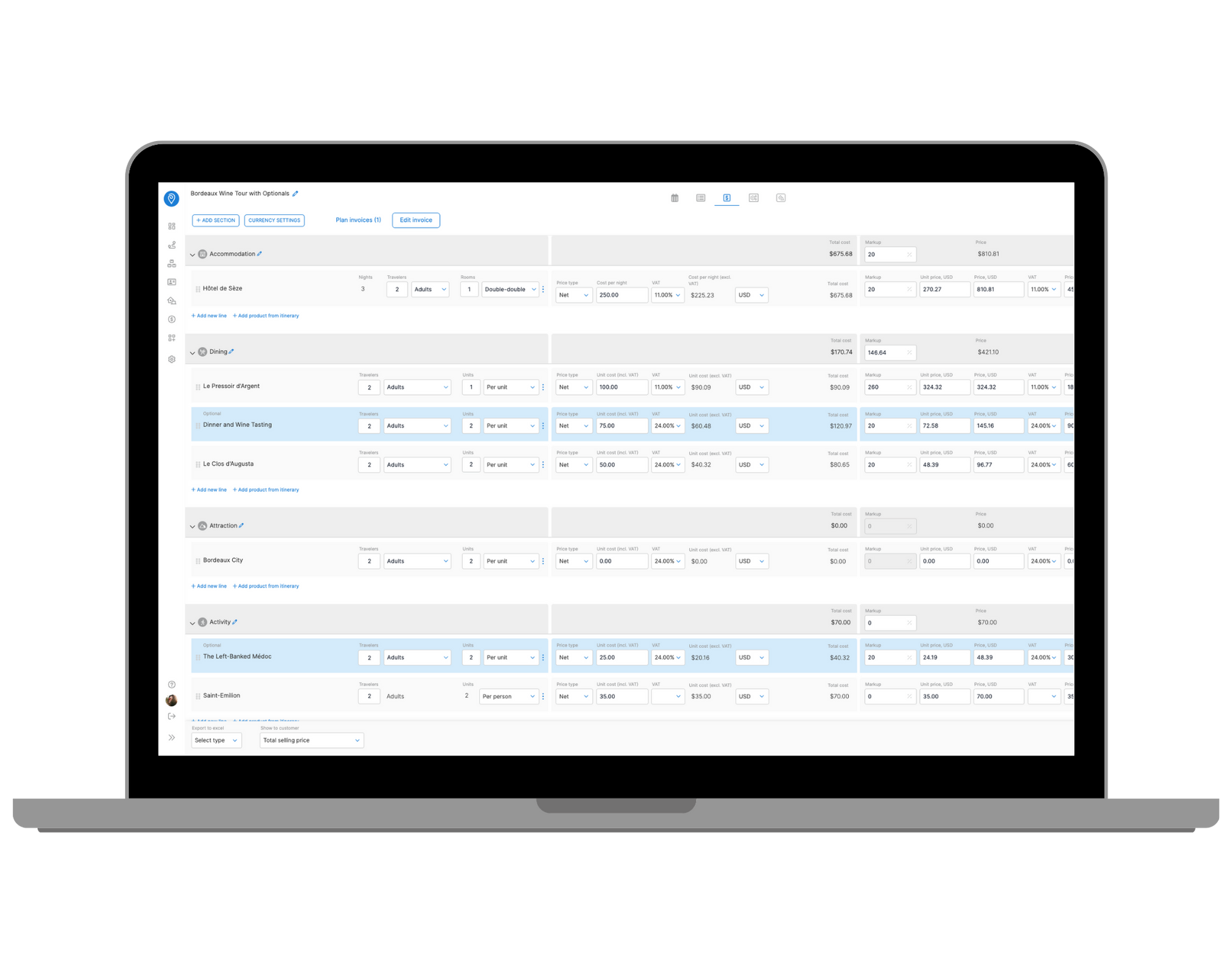
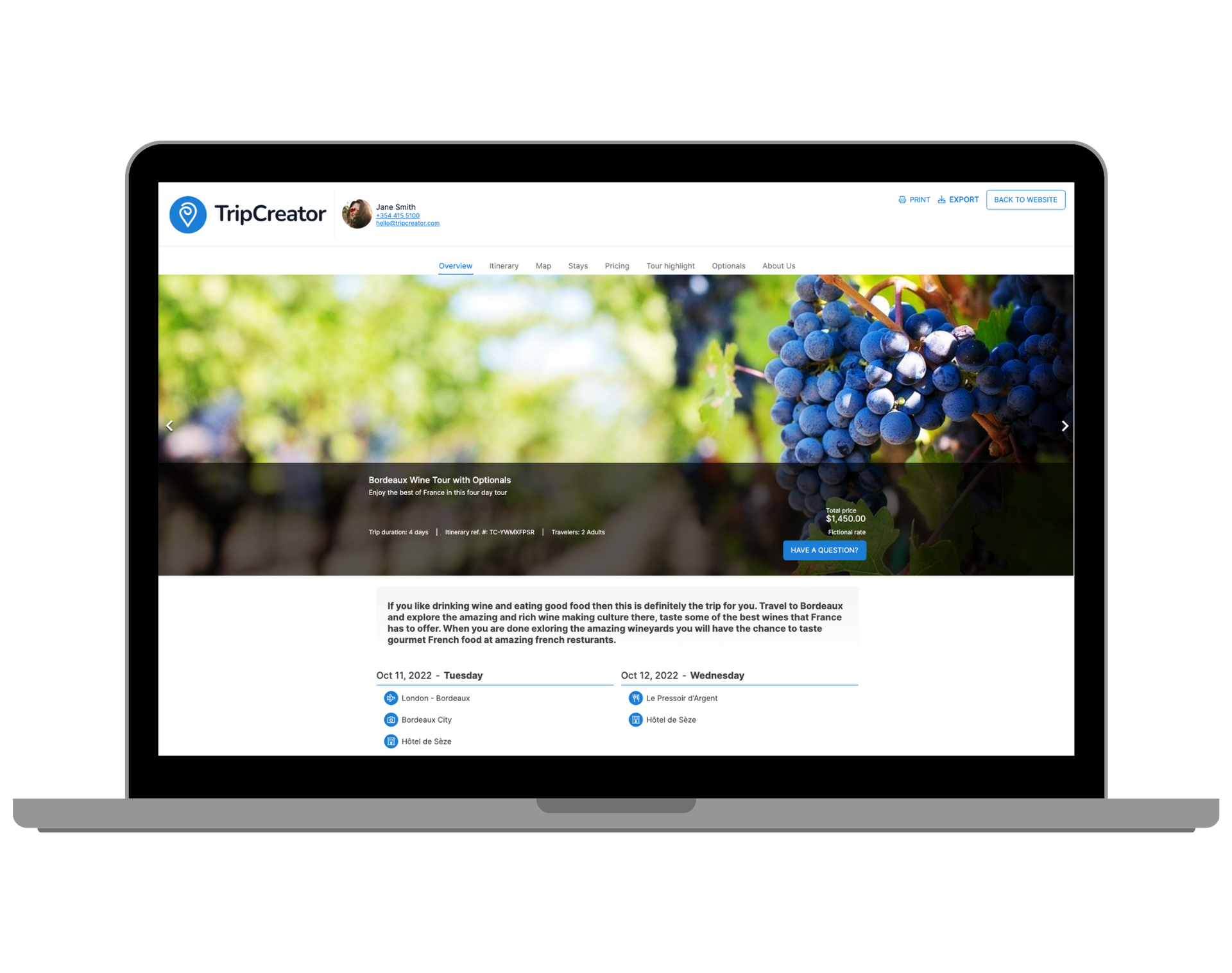
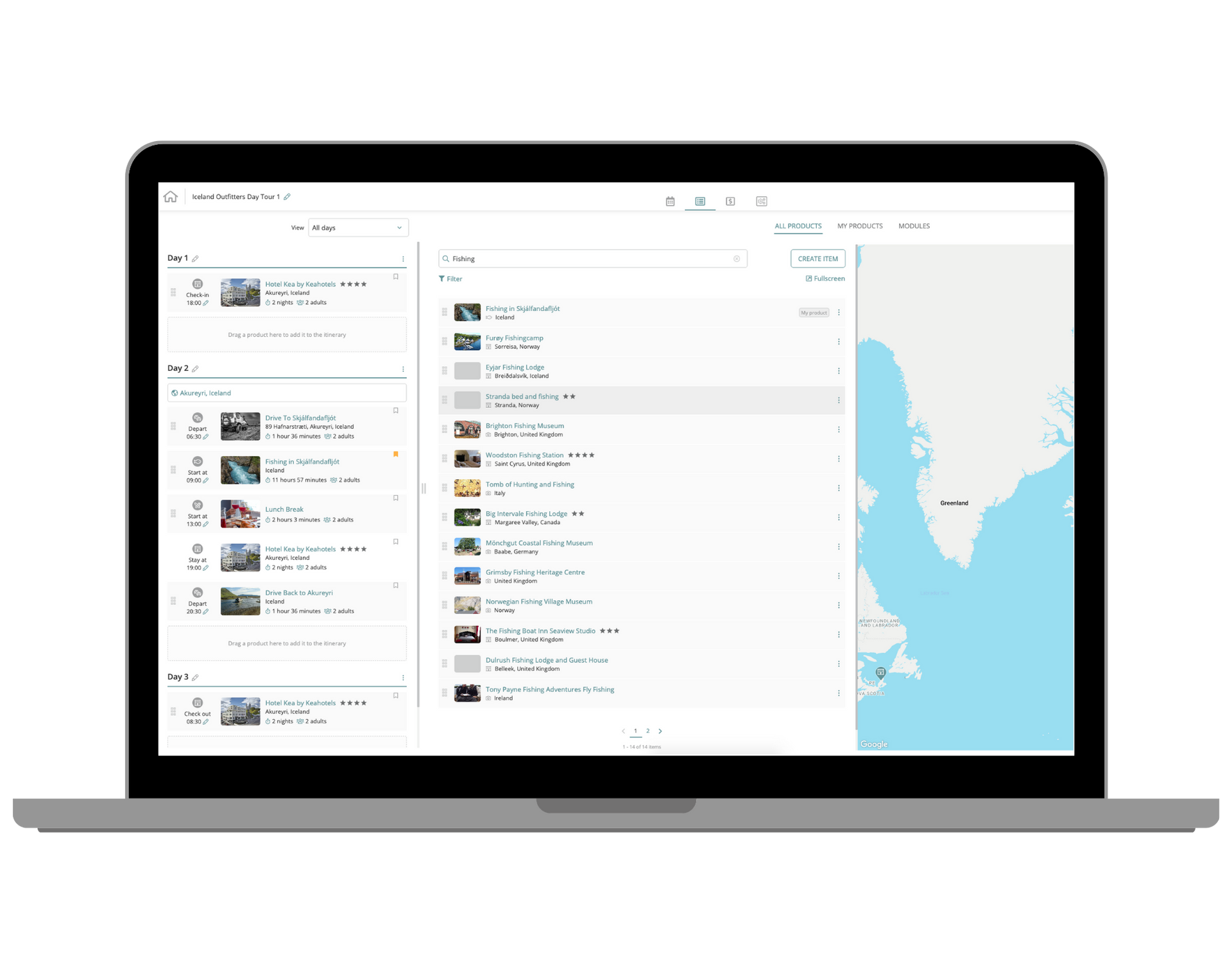
Huge positive changes in productivity
Our customers are experiencing huge positive changes in their productivity and conversions
61%
Increased productivity
33%
More conversions
14x
Faster itinerary creation
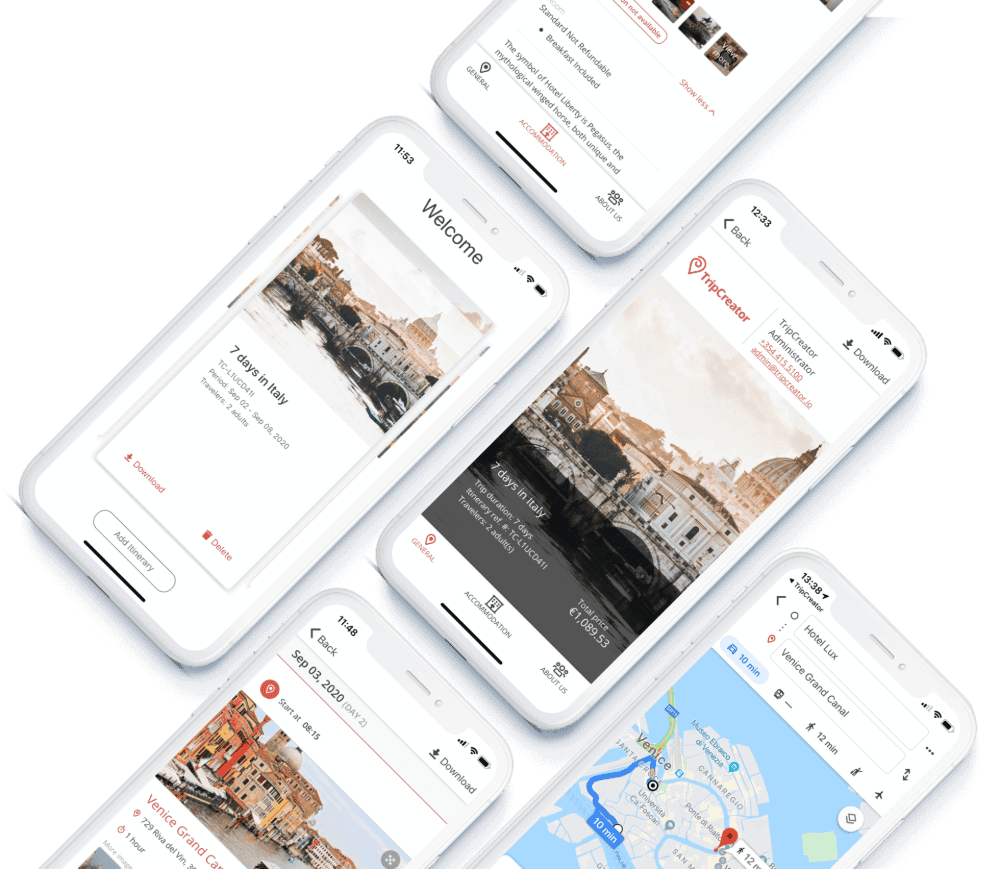
An app your customers will love
A platform across devices. Your customers get a simple free app to view their itinerary and receive updates from you. Includes both offline and online navigation.
Give it a spin with: TC-BTWVAWBF


Our customers rely on TripCreator to improve response, increase production and conversation.
My customers were delighted and commented on how exciting our proposals were – giving them images – maps and videos on the products they were interested in giving them more information than they had previously had giving more confidence to book with my company.
Josh Brown | Owner and Founder, The Josh Brown Company
Itinerary inspiration




Trusted by over 350 businesses all over the world